

The Spec Review Plattform
Clarity before your agents ship code not after.
Fight quality in the Spec, not in code review. Stop slop at the source.
Ticketing and IDE integrations
Integrated with:
 Jira
Jira Linear
IDE Integration with:
 VS Code
 Cursor
 Antigravity
any VS Code–compatible IDE
How EasySpecs grounds agents in living context and quality specs
- Your codebase, auto-mapped into living Context. Agents build from it. Drift can’t hide. Migrations start here.
- Trust by design: feed quality specs to
 Codex
Codex Claude CodeCursor
 - Every Spec ships Oracles and Rubrics by default, so “good” is defined from code generation all the way to runtime.
The new reality of how teams ship software
Each story flows from change → consequence → EasySpecs
The New Reality
Spec Driven Development is the new standard.
Consequences
Need a tool for quality specs.
EasySpecs
Create quality specs easily
The New Reality
You ship faster.
Consequences
New spec management required.
EasySpecs
Spec-driven change management
The New Reality
Docs lag.
Consequences
Shared context goes stale.
EasySpecs
Auto-sync documentation
The New Reality
Product and engineering overlap.
Consequences
No place to align together.
EasySpecs
Align together in one place
The New Reality
Merge requests have surged.
Consequences
Code review bottlenecks.
EasySpecs
Trust Engineering eases merge requests
Sound familiar?
If you’ve said one of these out loud this month—you’re not alone.
“I babysit the agent the whole run. If I look away, things go wrong.”
— Developer
“Agents generate faster than my team can review. We’re drowning in AI PRs.”
— Engineering lead / CTO
For developers
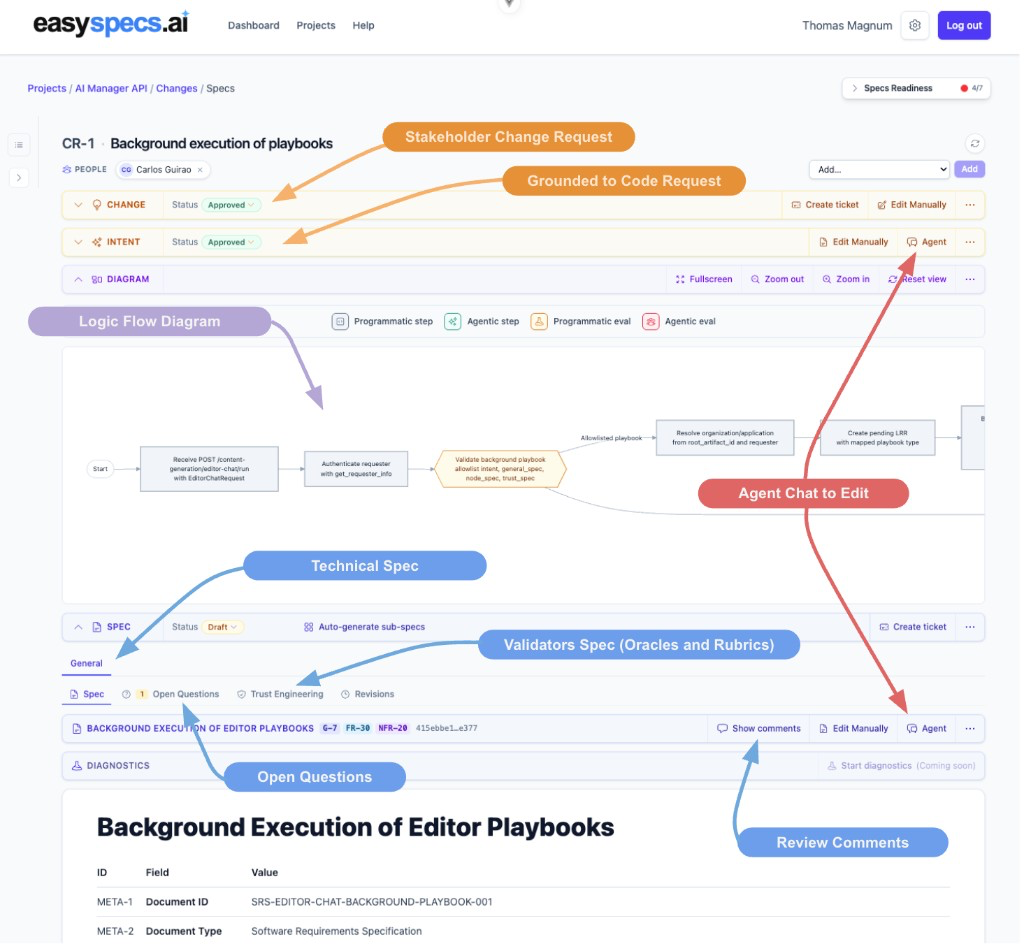
Your Spec Engineering Assistant
Trust by Design Spec-Driven Development: define how you will trust the code before you write it—not after bugs pile up. The sooner you set that bar, the less cost and fewer problems you carry.
For technical product managers
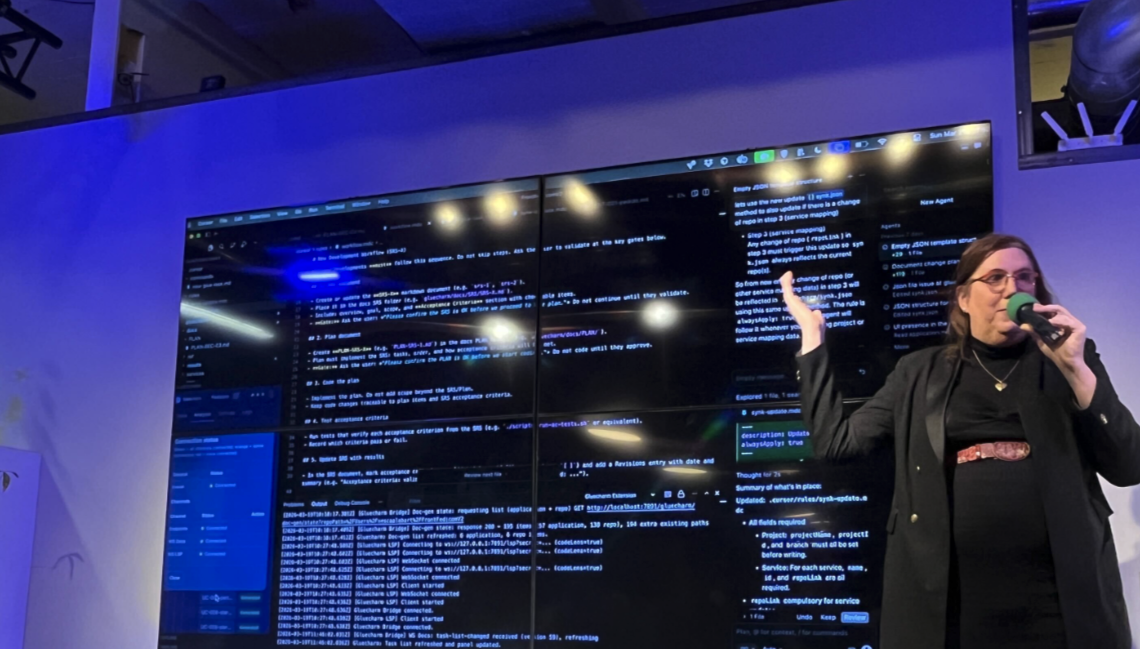
The door to Spec-Driven Development—for Technical Product Managers
Write specs that developers can ship against. Integrated with Jira. Ready the moment engineering picks them up.
For organization leaders
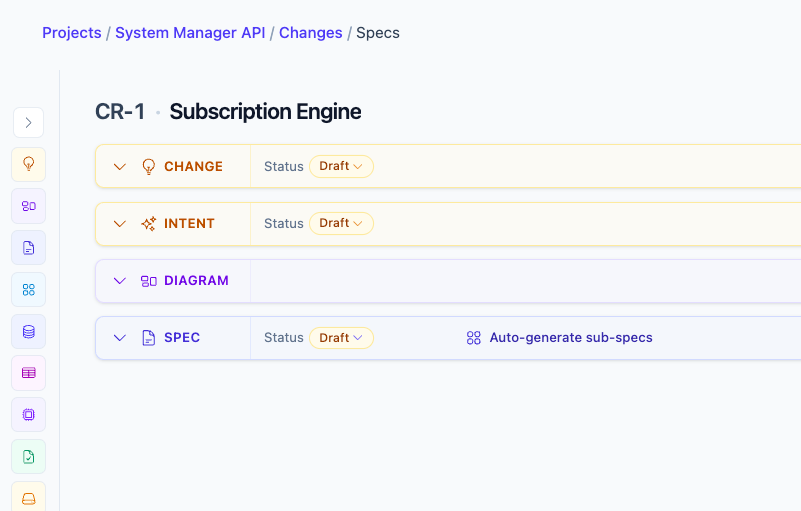
One Spec-Driven operating system for Tech and Product
Introduce Spec-Driven Development across your team so product and engineering share the same source of truth—integrated with Jira.
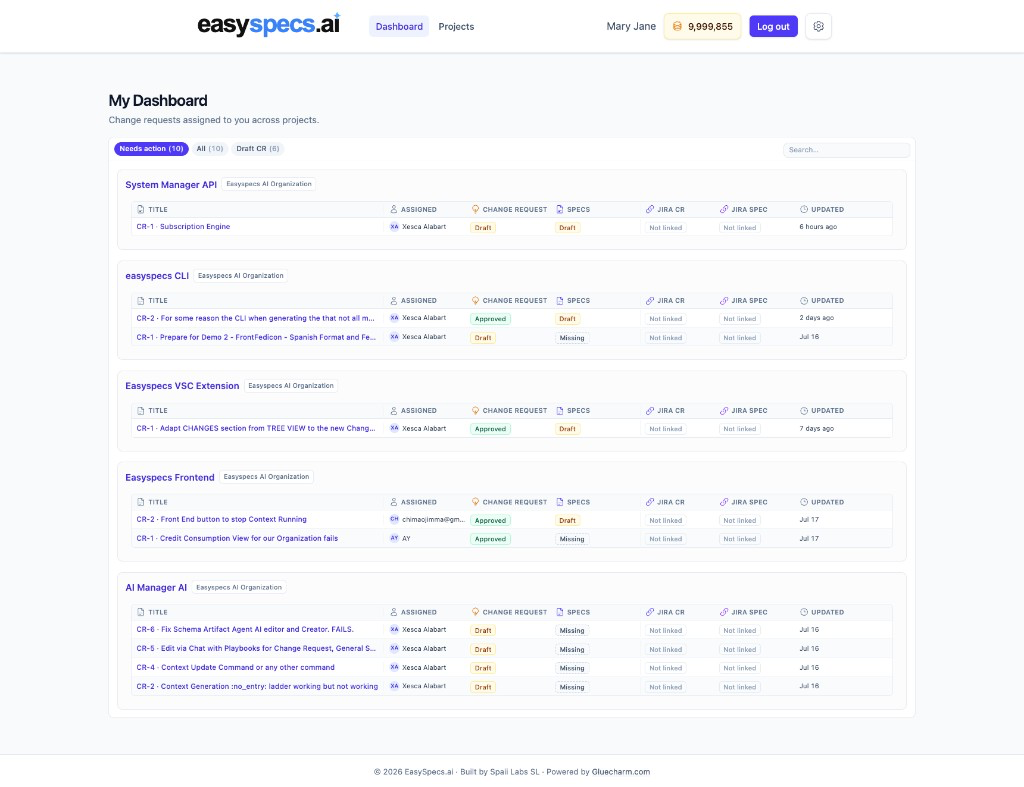
My team finally speaks the same language about specs. The pace of change was so fast we could not align. Now with EasySpecs, all clear.
How it works
How it works in 3 steps
Understand the code, polish the intent and ground it to the current codebase, then create Trust by Design Specs—before you ship, not after bugs pile up.
Understand the code
Step 1 — informed decisions
EasySpecs produces functional documentation of your project with up to 98% LOC coverage assignment—the first stone of Trust Engineering so change requests start aware of real behavior and user intent.
What you stand on:
Foundation
Code understanding
Functional documentation of the real system—so every later Spec starts from how the app actually behaves, not from a guess.
Polish the intent and ground it to the current codebase
Step 2 — craft what you mean against the real code
When intent is fuzzy, EasySpecs helps you craft, clarify, and ground it to the current codebase before agents generate code—so Spec-Driven Development has something trustworthy to drive.
What you shape:
Intent
What you mean
The ask behind the change—captured and grounded in how the app actually works, so product and engineering share one picture before Specs are written.
Create Trust by Design Specs
Step 3 — trust before you code
Once intent is clear, create Trust by Design Specs with structured views and HTML-rendered views—so the change is visible and checkable before you write the code.
Every Spec is sided by a Trust Spec:
Spec
Standard SDD
The Spec-Driven Development Spec—what to build, in structured and HTML views the team can actually read.
Trust Spec
Validators & evals
Validators, evals, and checks that sit beside the Spec—so you know how you will trust the change before agents generate code.
Agentic Coding (Loop Engineering, Graph Engineering, Context Management, etc)
Who it’s for
Built for product owners and developers
Two sides of the same Trust by Design loop—shared Specs, shared truth about the app.
Product owners
Ground change requests in the real app, polish intent, and shape Trust by Design Specs the team can actually see—not fuzzy stories that burn engineering time.
Developers
Stop babysitting the agent. Work from Specs and Spec of Trust validators so generation starts from clear intent and checks—not vibes.